PORTRAIT SESSION DIRECTOR · BETA
Stop rerollingfor the same face.
You know the loop. The prompt is already four lines long, the face still drifts between generations, and one seed away is a different person wearing your client’s jacket. Pro takes the person out of the prompt: face, body and styling are fixed conditions of the shoot, not adjectives competing for attention. What you move is Scene, Moment and Photographic Style — one decision at a time.
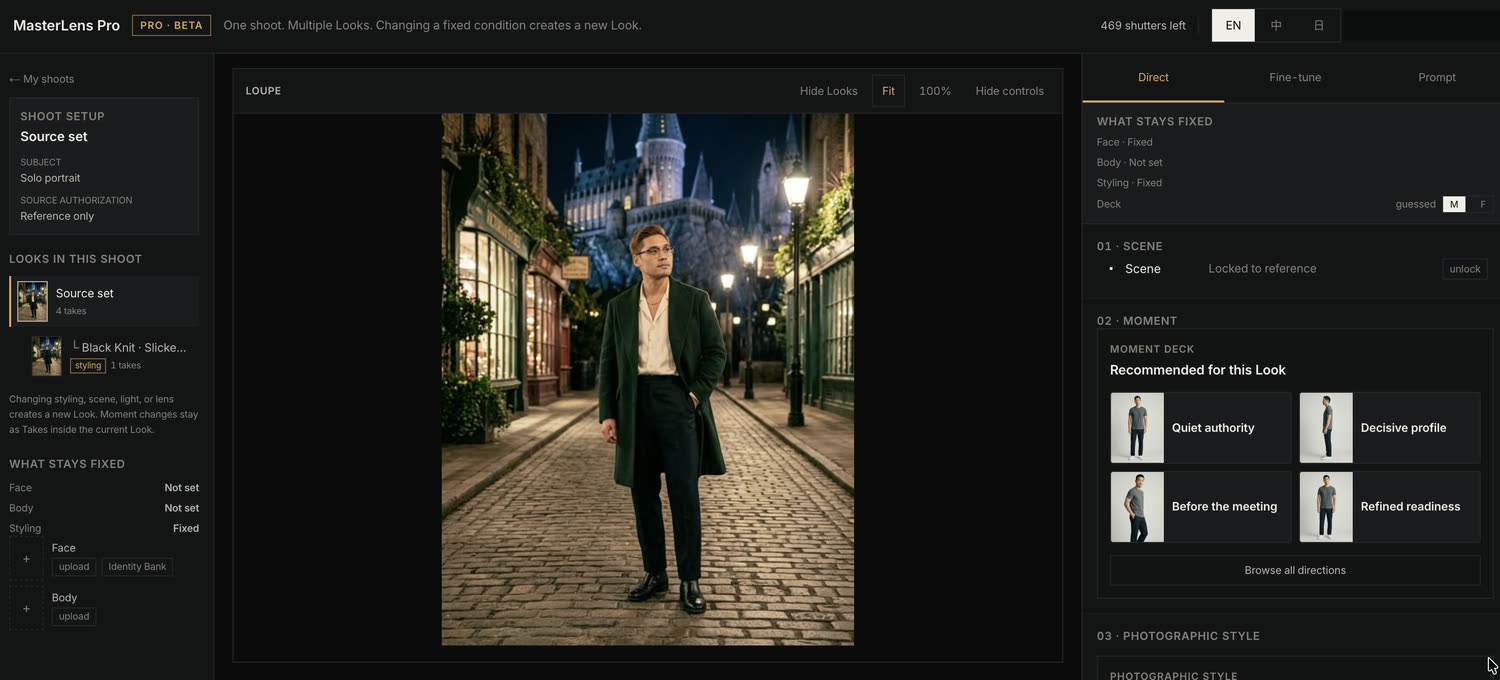
What follows is the interface itself, panel by panel, with what each control does.
Desktop only. Currently in closed beta.
OUTPUT
Four frames, four photographic registers, one engine.
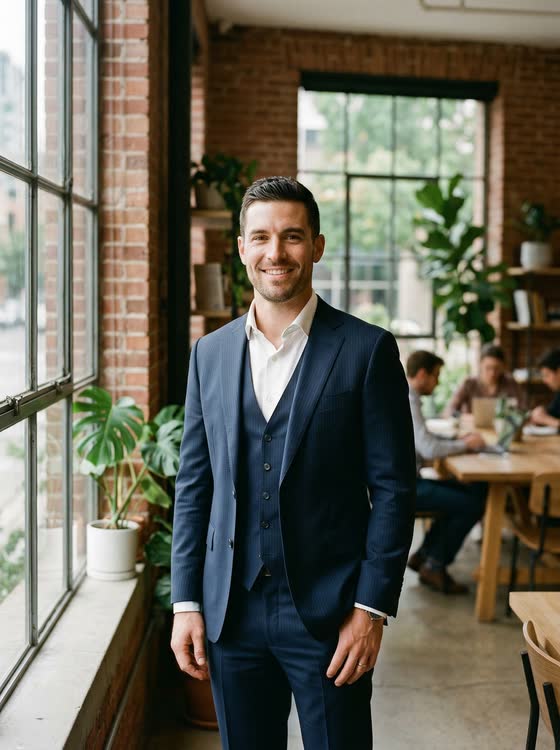
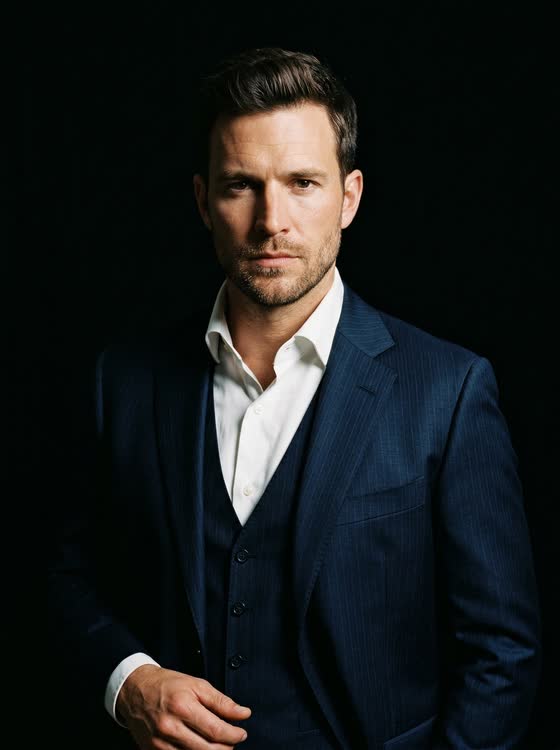
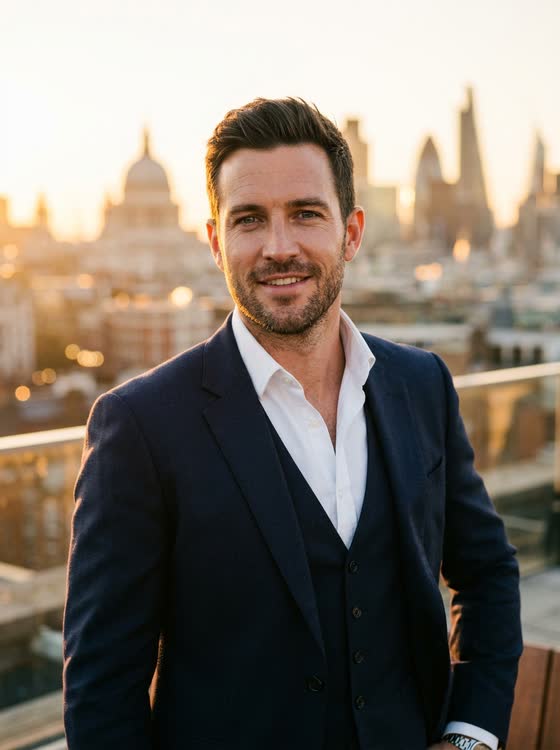
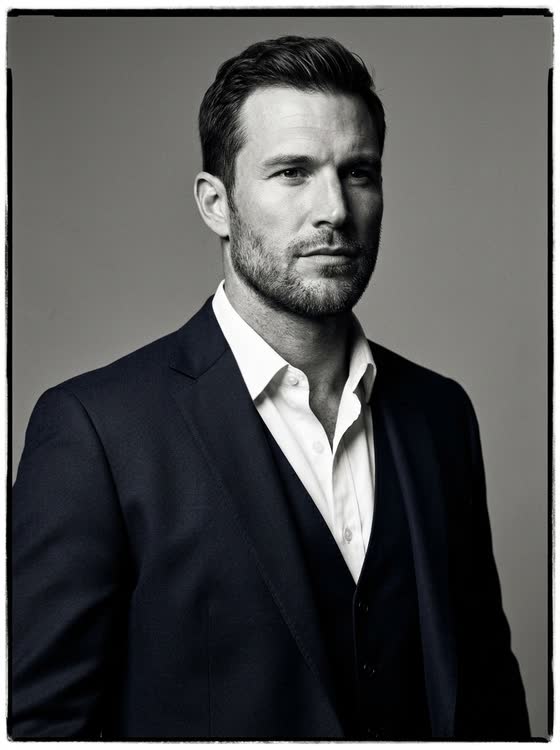
Before the controls, the output. Each caption below quotes the film stock, format and light that are written into the generating instruction — not attached afterwards. Read them the way you would read a contact sheet annotation.
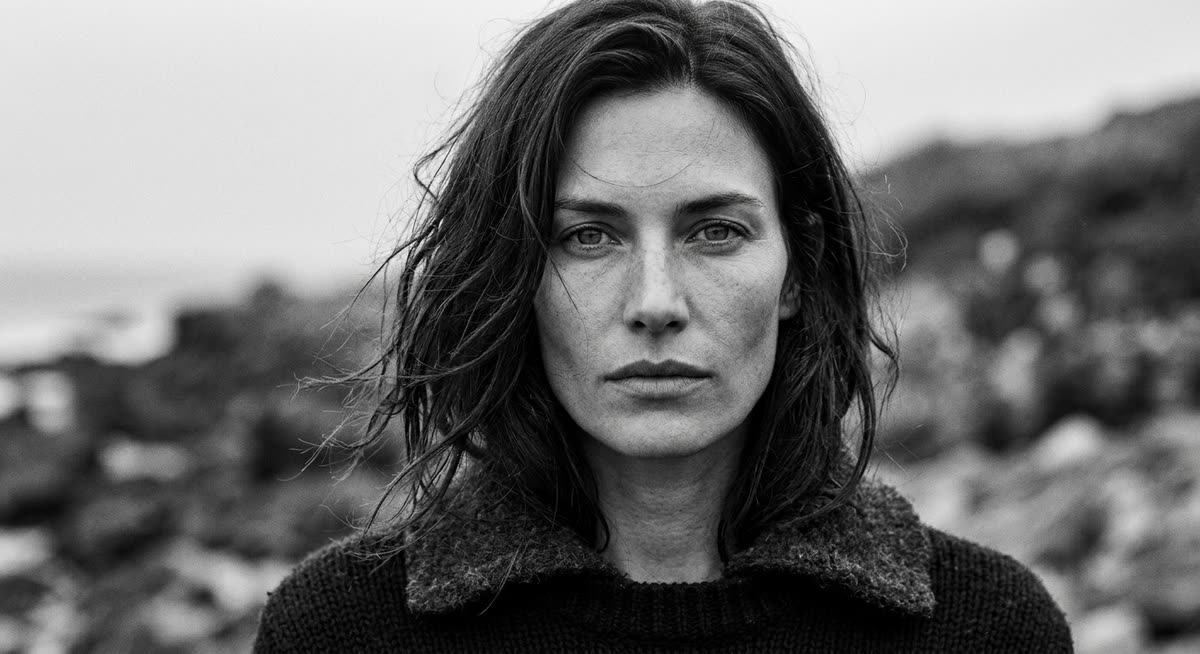
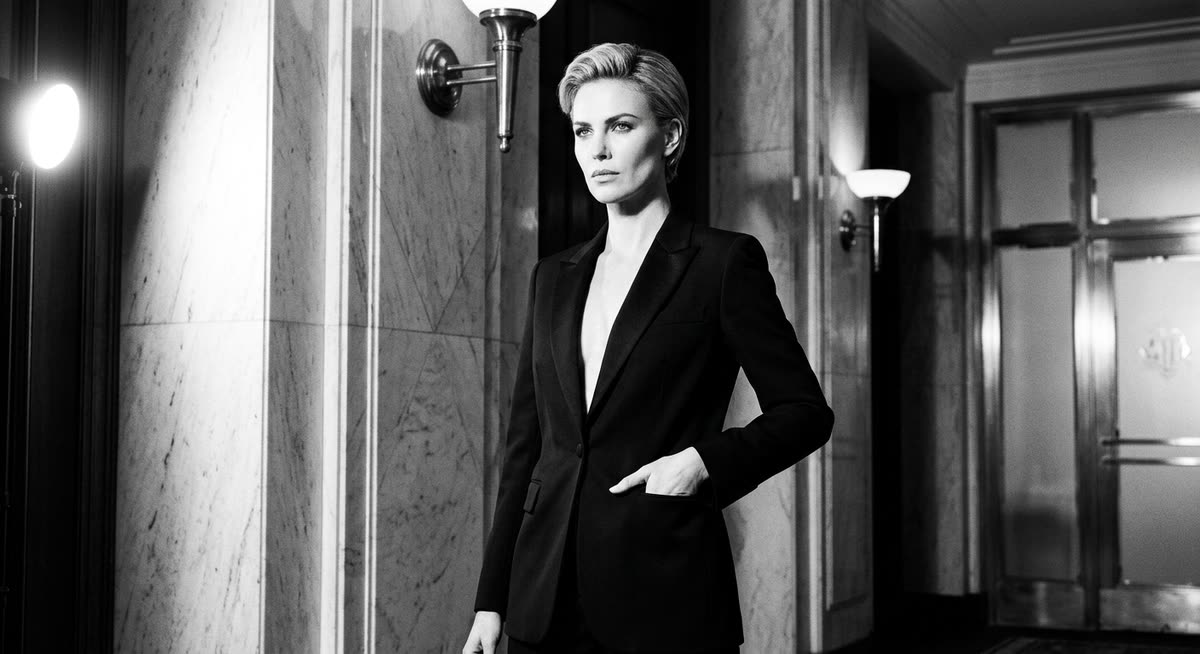
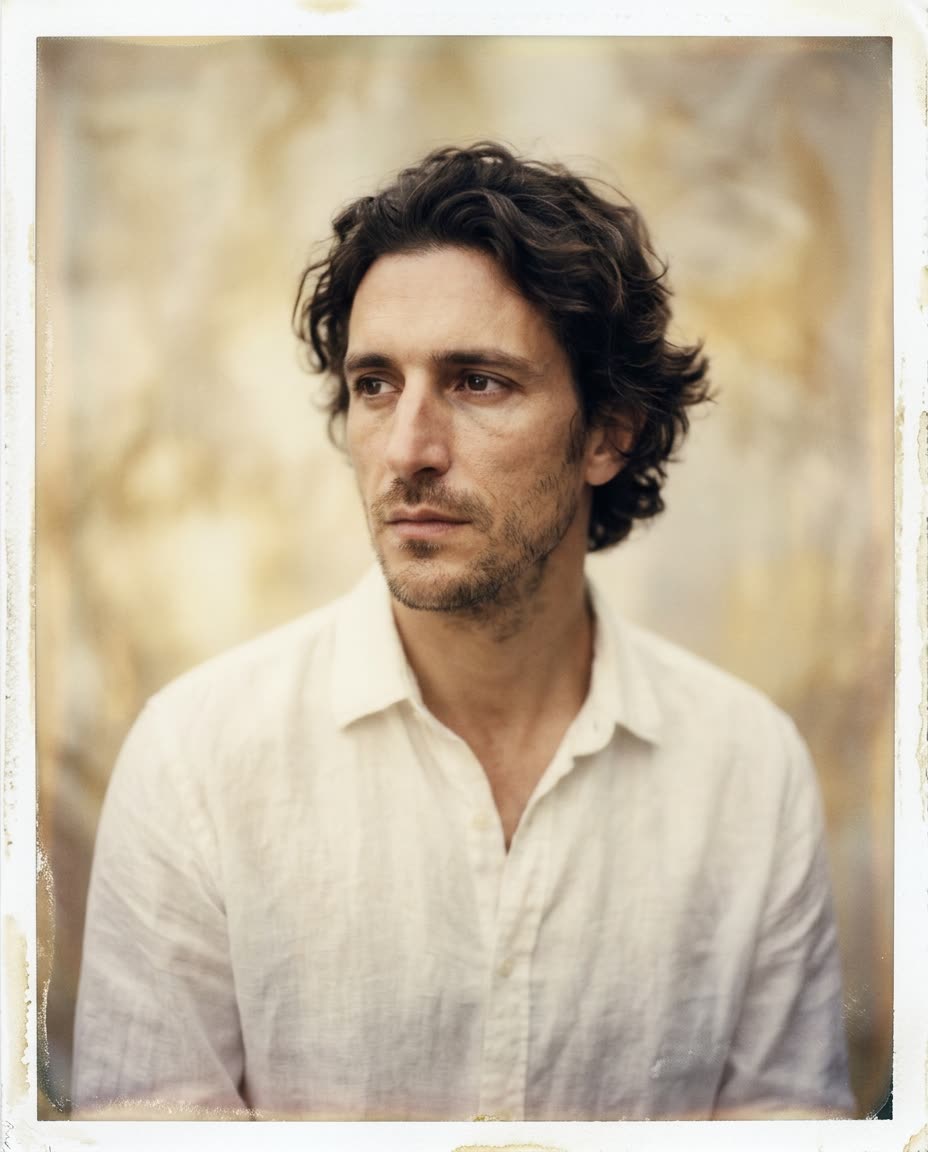
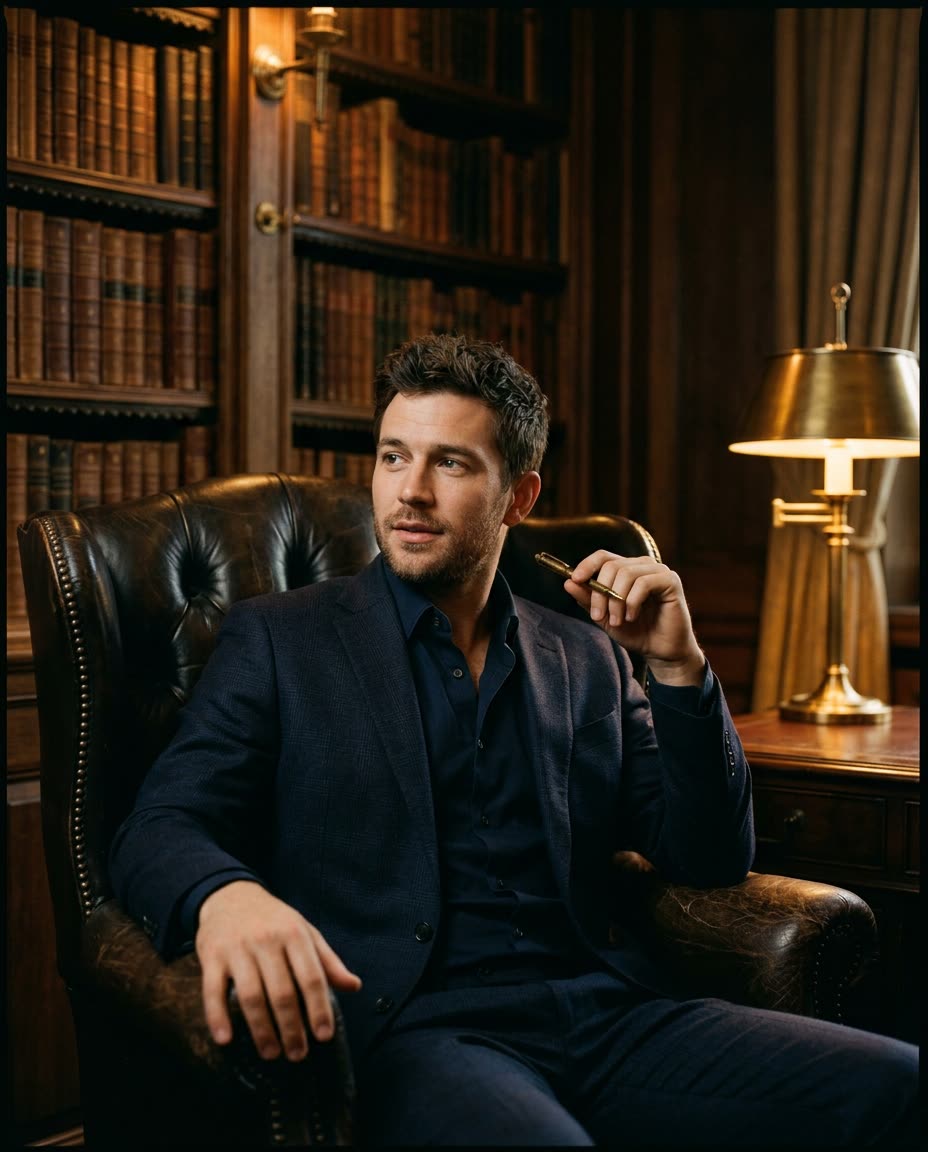
The style recipes in §08 are how you ask for these deliberately.
THE WORKSPACE
Three columns, and no prompt box in the middle.
LEFT · STRUCTURE
- Shoot setup — subject and source authorization
- Every Look in this shoot, as a tree
- Fixed conditions, with the anchor images behind them
CENTRE · THE FRAME
- Loupe — reference and take, Fit or 100%
- Continuity check under the frame
- The next-shot card: what changes, where it lands, what it costs
RIGHT · CONTROLS
- Direct — Scene, Moment, Photographic Style
- Fine-tune — per-garment overrides, with a change counter
- Prompt — the assembled text, readable and editable
SHOOT · LOOK · TAKE
A change becomes a branch, not a reroll.
Changing styling, scene, light or lens creates a new Look. Moment changes stay as Takes inside the current Look.Printed in the left rail of the workspace, because it is the one rule that decides where your work lands.
This is the part that stops the churn. In a prompt tool, changing one word regenerates everything and the previous result only survives if you saved it. Here the previous Look is still in the tree, still holding its own establishing frame, still reachable three months later when the client asks for two more.
| YOU CHANGE | WHAT HAPPENS |
|---|---|
| Styling, Scene, Light or Lens | A new Look branches off — the current one stays intact |
| Moment | Stays inside the current Look, as another Take |
| Nothing | No shutter is spent |
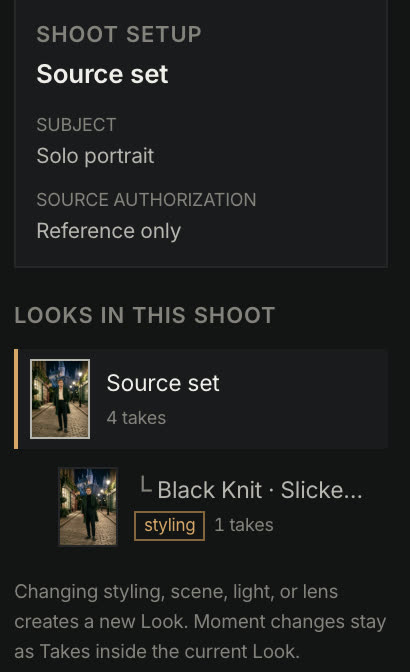
SHOOT SETUP
Who is in the frame, and on what authority.
SUBJECT
- Solo portrait
- Two-person portrait
SOURCE AUTHORIZATION
- Client authorized
- A real photograph you have permission to work from.
- Synthetic identity
- A cast model with no real person behind it.
- Reference only
- Look reference — not an identity to reproduce.
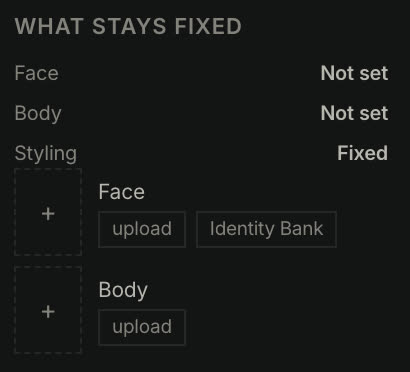
FIXED CONDITIONS
The face is an anchor image, not the words “same face”.
Face, Body and Styling each read Not set or Fixed. Fixed means an image is attached — uploaded, or pulled from the Identity Bank — and that image is what the next frame is held against. On a two-person shoot the left and right person carry their own slots, so one of them cannot drift while the other holds.
PER PERSON
- Face — upload or Identity Bank
- Body — upload
- Styling — read from the reference, then overridable piece by piece
This is the whole difference. “Consistent character” written into a prompt is a request. An anchor image is a constraint.
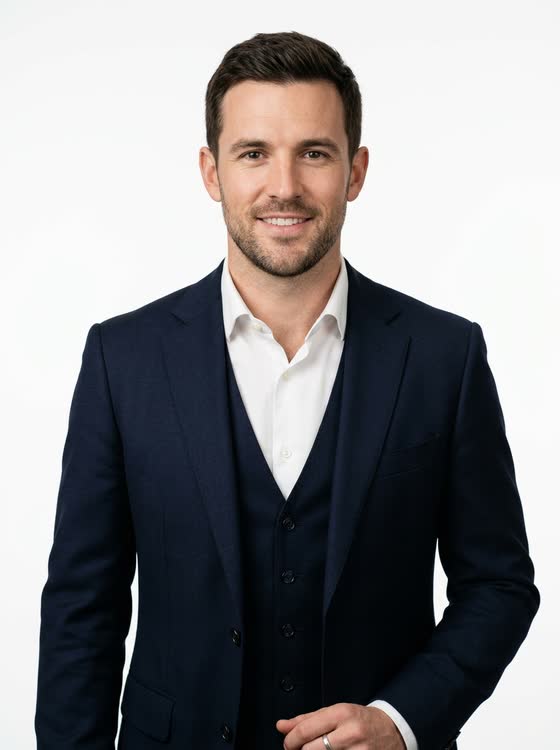
One man, one navy three-piece suit. Only the light changes:
01 · SCENE
48 scenes in 9 categories, or bring your own.
Pick from the catalog, or use Scout to upload a location or backdrop of your own. Scene is one of the four changes that branch a Look, so the tab tells you so before you spend anything: Changing · creates a new Look.
CATEGORIES
SCOUT — your own location
The photo is read into an art-direction text; shots are text-driven — the photo is never used as a backdrop plate.
Worth reading twice, because it is the trap most of us have fallen into. Feed a location photo in as an image reference and the subject gets composited on top of it — the flat, pasted-on look you can spot across a room. Pro reads your photo into words first and generates from the words, so the light in the room actually lands on the face.
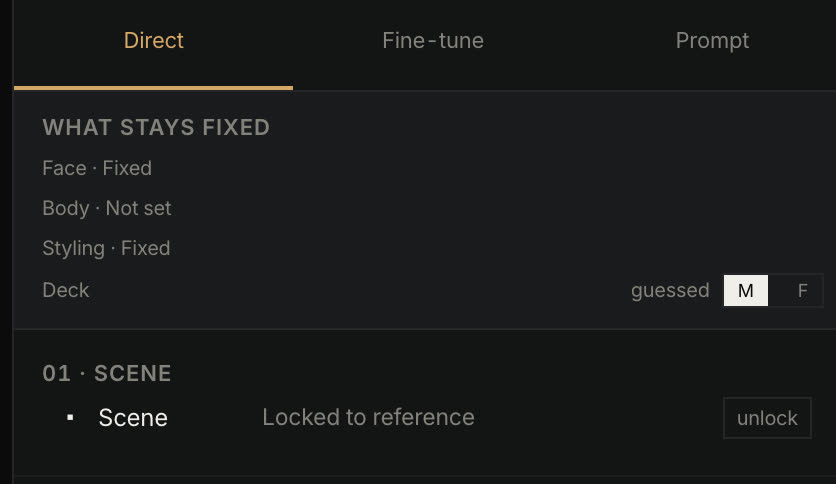
The Deck row above the scene picker decides whether the deck previews, the styling pieces and the style wording run male or female. A clean-shaven face gives the reader no signal, so it says guessed until you set it.
02 · MOMENT
A curated deck, not a random pose pool.
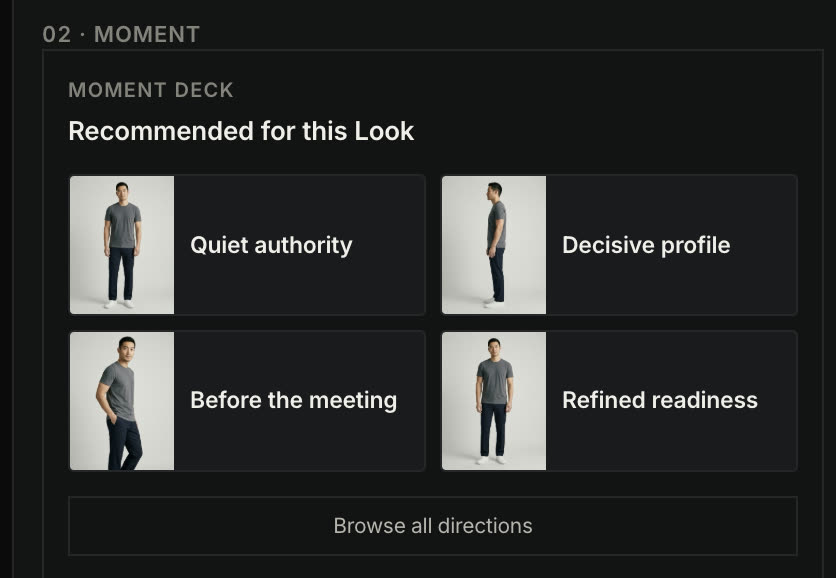
The deck only offers moments that belong to the scene you picked, each with a preview of the pose. Select one and the card opens into the full direction — the action, where the eyes go, the framing — and that text is what goes into the prompt. Nothing is hidden behind a mood word.
- SOLO MOMENTS IN THE DECK
- 24
Change swaps the card without leaving the Look
Moment is deliberately the one axis that does not branch. Working a moment is what a shoot is — you take three, you keep one.
03 · PHOTOGRAPHIC STYLE
23 style recipes across 4 lanes — each one a closed set.
A recipe is not a stack of adjectives. It binds the light, the lens, the processing and the compositional bias into a combination that is known to hold together, and it will only let you fine-tune inside that set. Choosing Chiaroscuro chooses Rembrandt light and a black-and-white response; the picker will not offer you a combination the recipe cannot carry.
LANES
- Professional authority
- Approachable brand
- Editorial portrait
- Cinematic lifestyle
WHAT A RECIPE FIXES
- Light
- Lens
- Processing
- Compositional bias
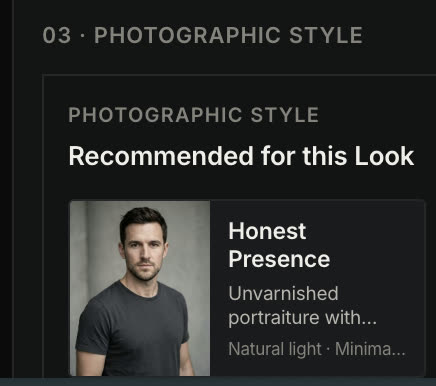
If you have ever stacked six style words and watched them cancel each other out, this is the fix — the incompatible combinations are simply not offered.
FINE-TUNE · PROMPT
Change the jacket without rewriting the person.
Fine-tune breaks styling into pieces — top, bottom, outer, shoes, eyewear, watch, jewellery, hat, hair, make-up, facial hair — each one either kept as shot or overridden on its own. The tab header counts your changes, so you always know how far you have drifted from the reference. The Prompt tab shows the assembled text; you can read it, and you can edit any segment.
THE THREE TABS
- Direct
- Scene, Moment, Photographic Style — the three decisions
- Fine-tune
- Per-piece styling overrides, with a change count
- Prompt
- The assembled text, readable and editable
LOUPE · CONTINUITY CHECK
Judge at 100%, then read what the check actually says.
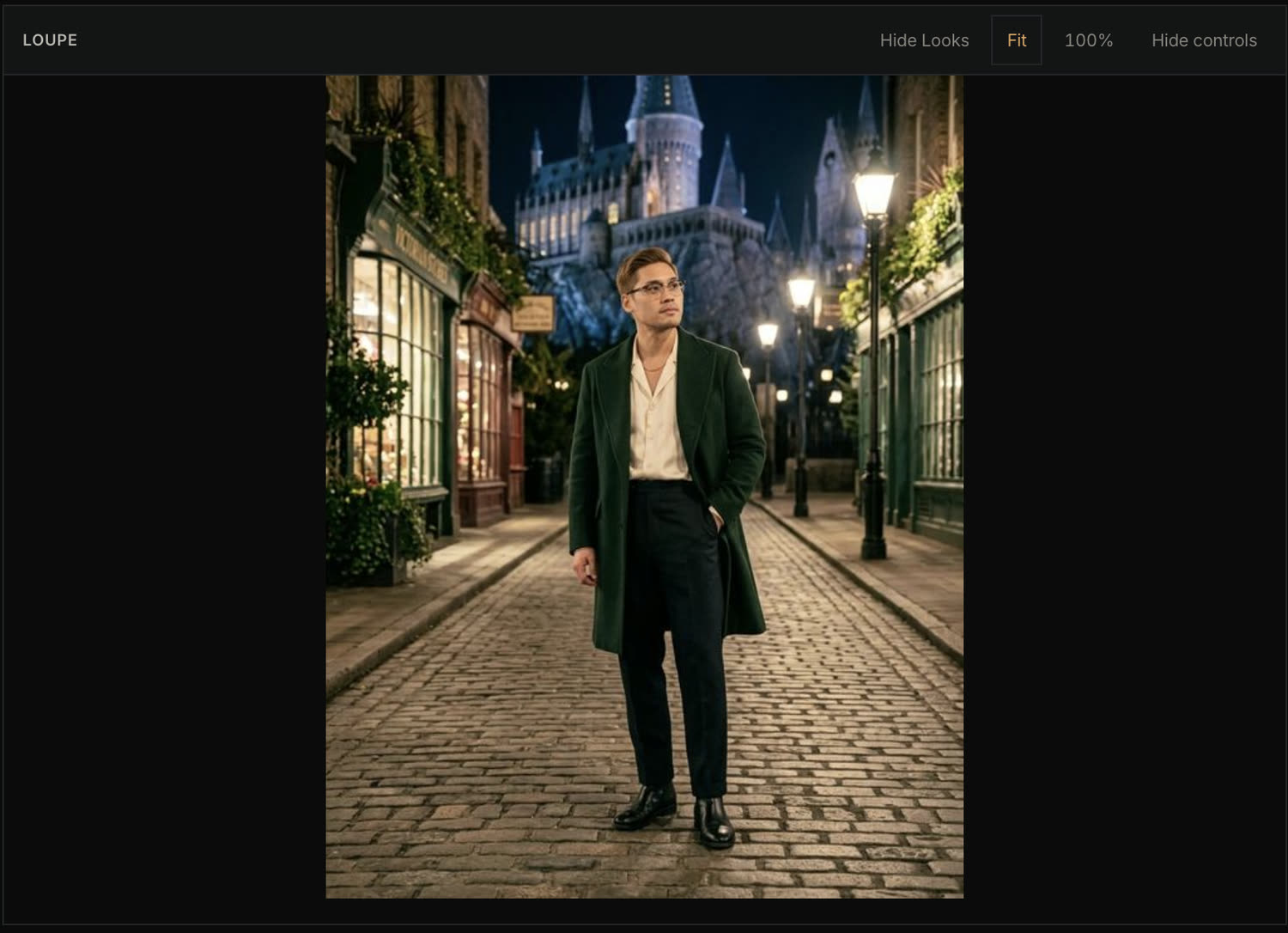
The Loupe holds the frame at a size you can judge — Fit or 100%, and both side panels collapse to give the image the full width. Underneath, the continuity check reports four things. It supports your judgment; it does not replace it.
LOUPE CONTROLS
CONTINUITY CHECK
- Identity
- Scored against the Look reference
- Ethnicity
- Preservation check
- Fixed conditions
- Which anchors were actually held
- Direction
- Which deck and style produced this frame

STATED PLAINLY
Two-person shoots are not scored automatically. The check says so — Manual face check required — and the establishing card is where you compare both faces yourself. We would rather tell you than show you a number we cannot stand behind.
THE NEXT SHOT
You see the invoice before you press the shutter.
- Destination
- Which Look this take lands in — or that a new Look is being created
- Changed
- The axes that differ from the current Look
- Fixed conditions
- The anchors being held
- Cost
- 1 shutter, with the remaining balance
WORKING FILE → DELIVERY
You judge on 1K working files and download them freely. The 2K delivery step is paid once, on the frame you actually chose — you are not paying to look.
WHAT IT IS NOT
The boundaries, up front.
- Not a retoucher. Pro hands off to Lightroom, Capture One or Photoshop — it does not replace them.
- Desktop only. The workspace needs the width; there is no phone version.
- Continuity checks assist your judgment. They do not certify a frame as client-ready.
- Two-person likeness is not auto-scored. You check both faces on the establishing card.
- Closed beta. The interface on this page is the interface you get, and it is still moving.
PHOTOGRAPHER PILOT
Bring one real brief.
Run a six-image set and one client-style revision through the workflow above, and tell us where it breaks. Applications are read individually. No waitlist theatre, no seat counter.
Best suited to photographers already delivering multi-image commercial portrait or personal-brand work.